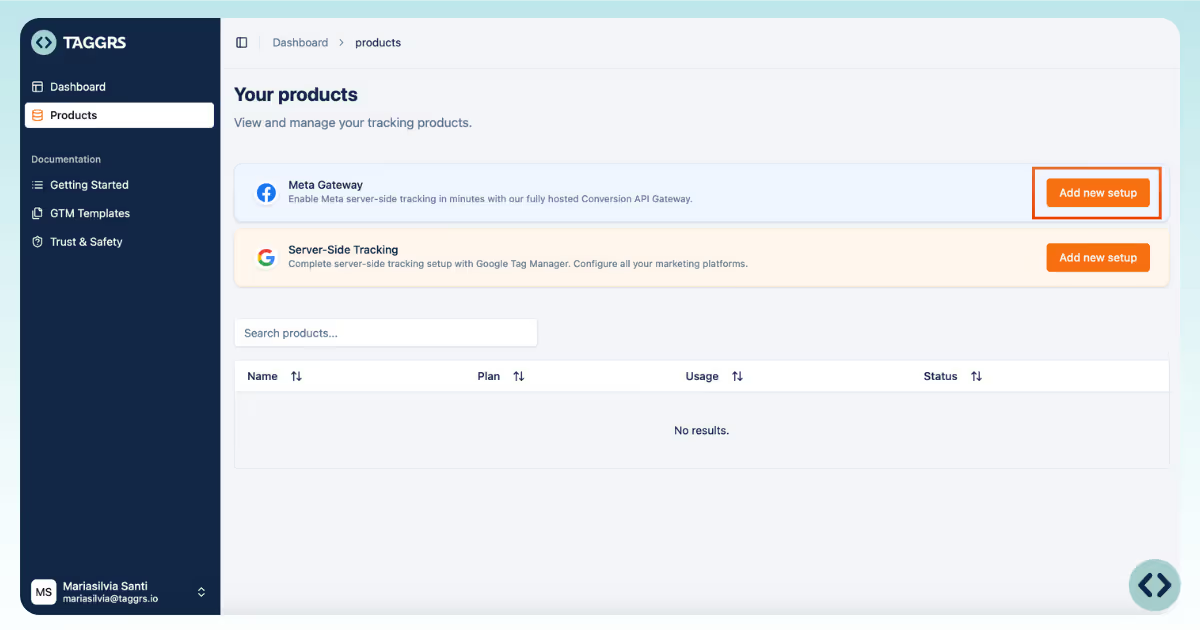
1. Log in to your TAGGRS account.
2. Go to your Products.
3. Go to Meta Gateway and select Add new setup.
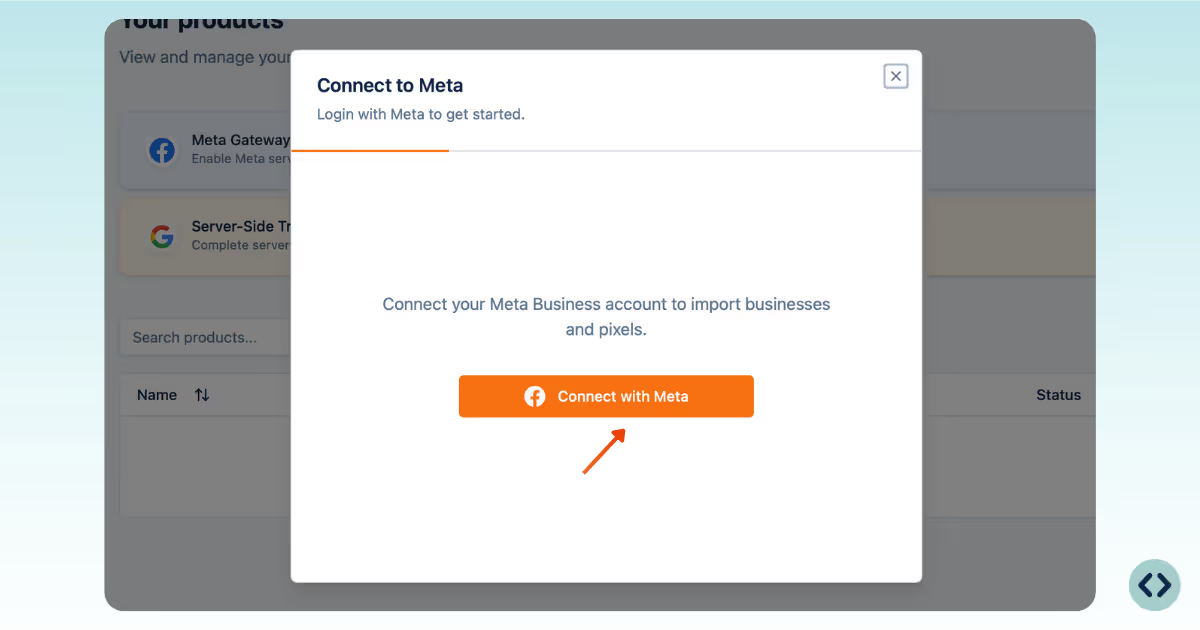
1. Log in with your Facebook account.
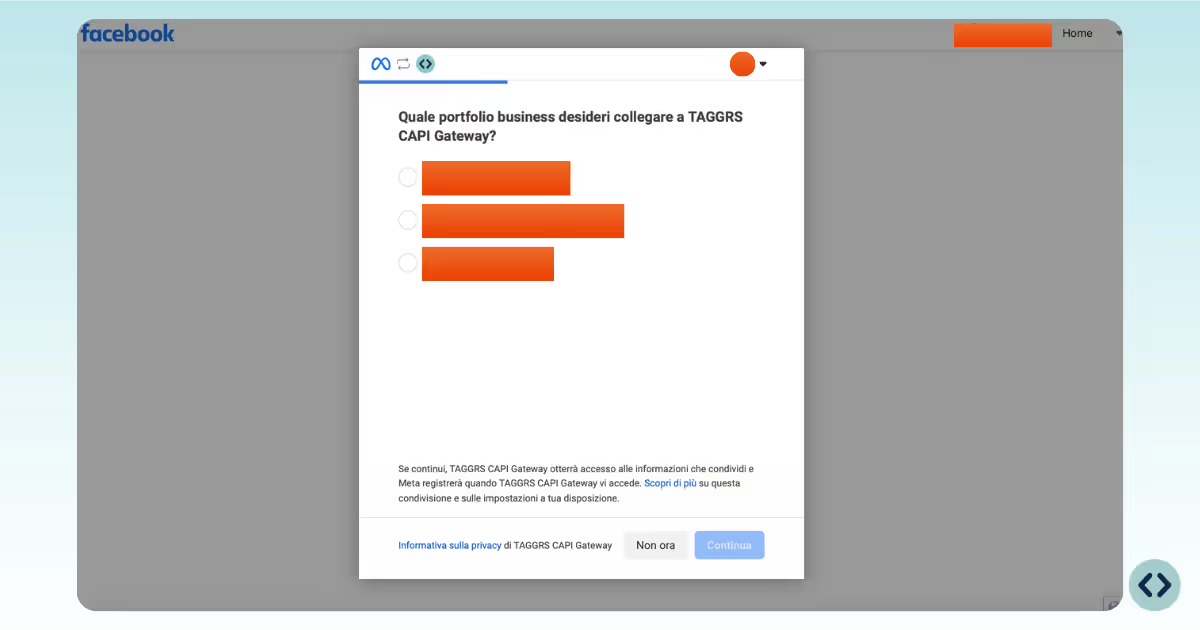
2. Select the Business Portfolio where you want to place the gateway.
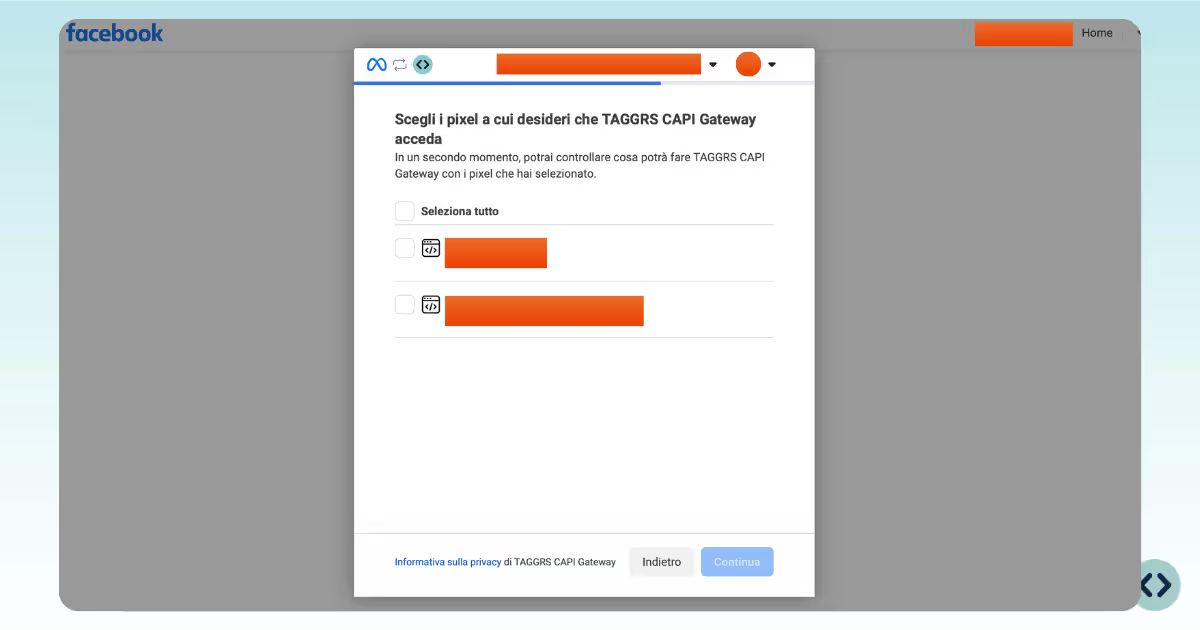
3. Choose the Pixel to link.
After completing the Meta CAPI Gateway setup, you can monitor the performance of your server-side tracking directly in the TAGGRS CAPI Gateway analytics dashboard. The analytics dashboard provides real-time visibility into Meta event processing, including:
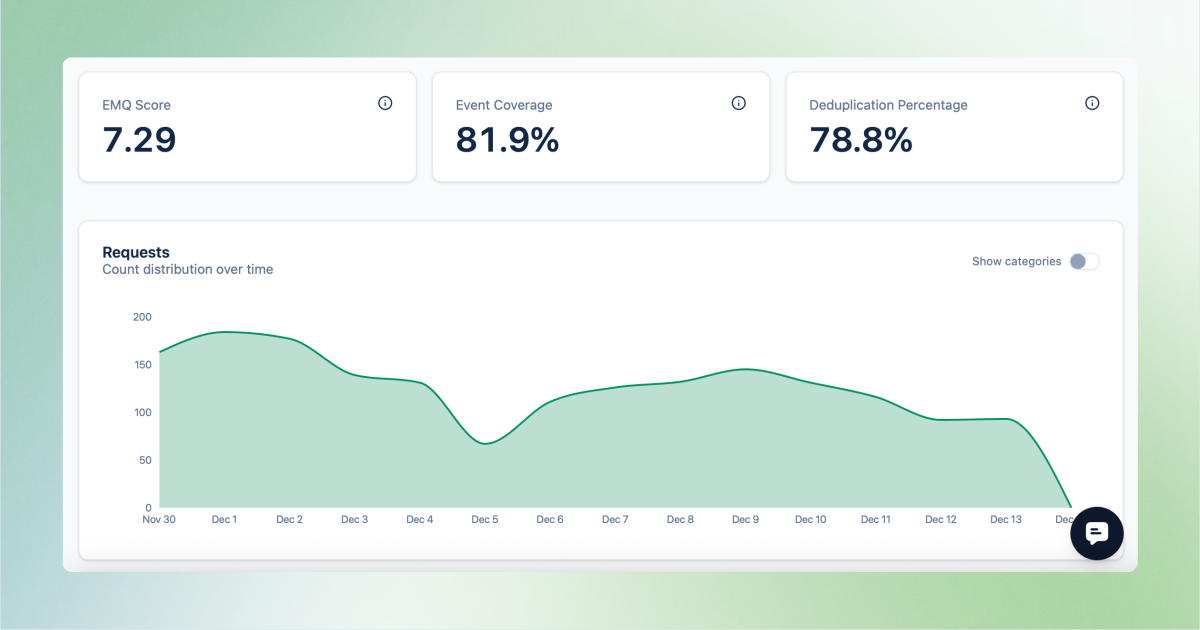
These metrics help validate that the Meta CAPI Gateway is configured correctly and that events are deduplicated as expected.